1. Research the requirement
Use furniture, event, location, pricing and booking guides to narrow the decision.
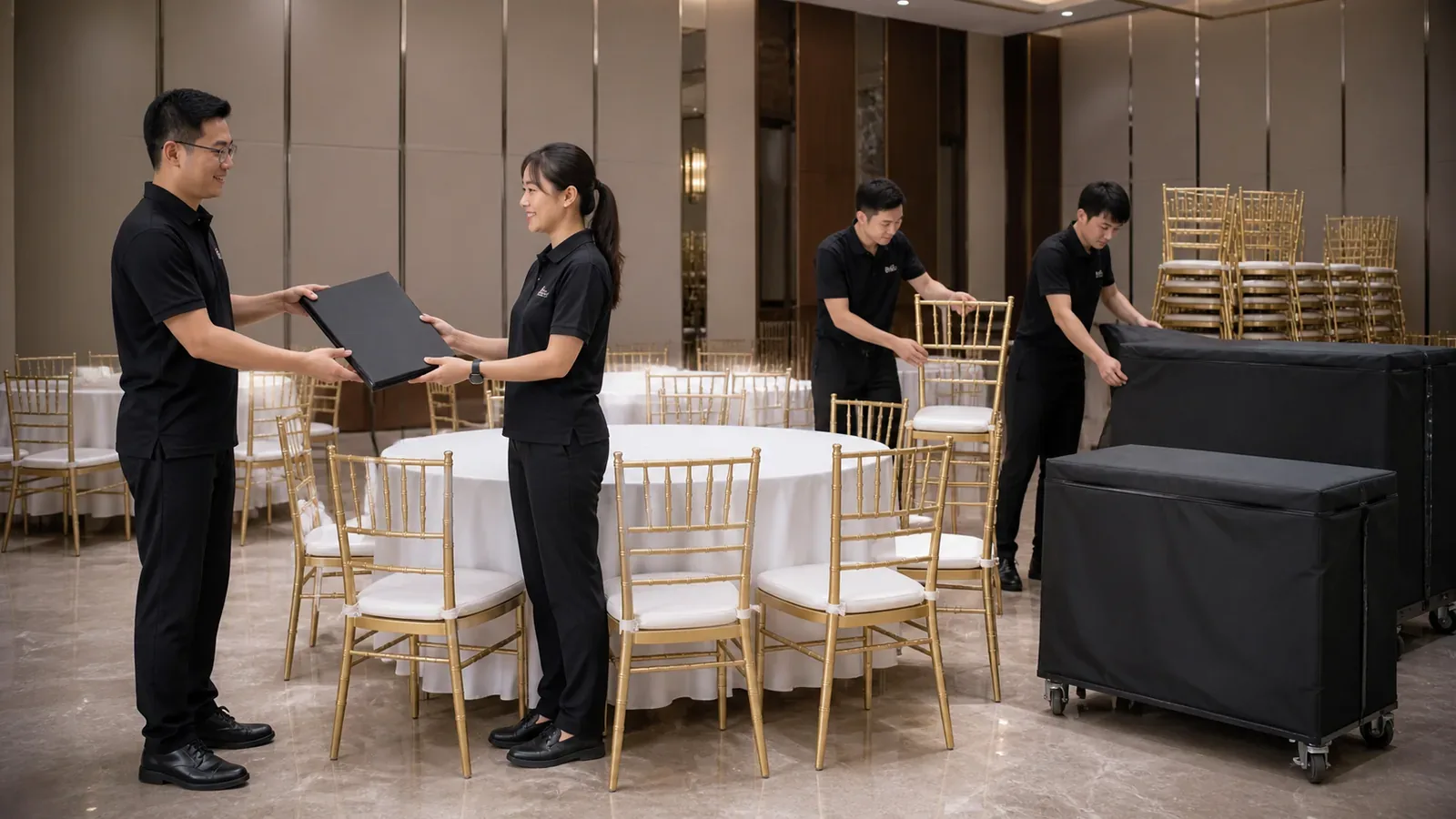
Event Furniture Rental helps you organise the event details first. When you choose to send the request, it is passed internally to the team handling event-furniture enquiries. Availability, quotation, payment and booking details are then confirmed during follow-up.
Event Furniture Rental provides planning guidance, calculators and a structured request builder. Using a page or calculator does not send an enquiry. You decide when to open WhatsApp, review the message and send it.
Use furniture, event, location, pricing and booking guides to narrow the decision.
Add the date, venue, guest count, access and furniture being considered.
Edit or remove any detail you do not want to include.
The request is passed internally to the team handling event-furniture enquiries.
Price, availability, quotation, payment and booking terms are confirmed during follow-up.
Check the item list, delivery, setup, collection, changes and payment before confirming.
The site helps visitors understand furniture choices, estimate quantities, prepare venue-access information and create a clearer enquiry. It also keeps the page topic and event details together so the follow-up starts with useful context.
Availability, exact item specification, current condition, price, delivery, setup, collection, substitutions, payment and booking terms remain subject to the written response for the actual event. Do not rely on a planning estimate as a confirmed booking.
Browser-based tools calculate locally. WhatsApp opens as a separate service only after you choose the action. Review the prepared text before sending and include only details needed for the event. Avoid identification numbers, payment-card details, medical information or unrelated personal data.
More pages to help you finish the same decision.
Estimate working quantities from guests, seating pattern and contingency.
Use this toolBuild a compact furniture enquiry with the details suppliers need first.
Use this toolUnderstand what changes an event-furniture quote, which details are needed first and how to compare delivery, setup and collection fairly. This page explains the drivers — it does not list rental rates.
Read moreReview deposits, delivery, setup, collection, damage, substitutions, cancellations, quantity changes and payment terms before confirming a rental.
Read moreCompare event furniture quotes line by line — a practical Malaysia checklist.
Read the guideHow browser-based tools and WhatsApp handle your information.
Read moreUse the browser-based request builder, check the wording and decide what to send only after the event details are ready.